Pre-installation Preparation
Welcome to BlockTavern! This tutorial will help you properly install and configure Minecraft to successfully join our server.
Before starting the installation, please ensure you have the following:
- Java 17+
- Any Minecraft game launcher (official launcher not recommended)
Installing Java
1. Java 17 or higher version
| Site | JDK Version | Download Link | Notes |
|---|---|---|---|
| Zoho workdrive | 17 | Download | No login required for download |
| Feijipan | 17 | Download | No login required for download |
| 123 Cloud | 17 | Download | Backup link Login required for download |
| Oracle | 17 | Download | Login required for download |
| Adoptium | 17 | Download | No login required but slightly slower |
Installing Game Launcher
2. Download Launcher
| Launcher | Link | Notes |
|---|---|---|
| Official Launcher | Download | Not recommended |
| PCL2 Launcher | Download | Recommended |
| HMCL Launcher | Download | Recommended |
| Modrinth Launcher | Download | Requires official login |
Download Game
3. Download Online Game Installation Package
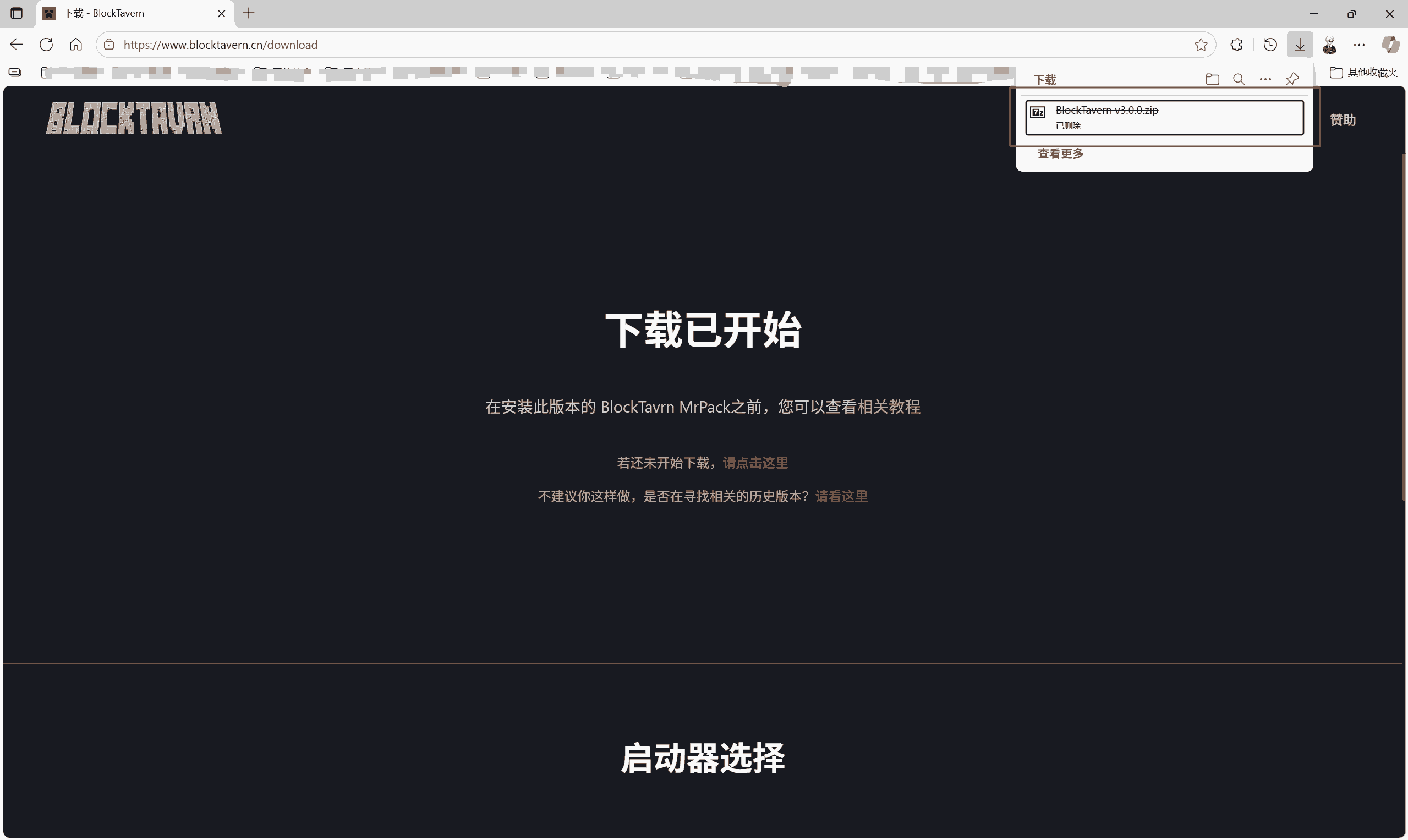
Download our latest installation package: Go to Download
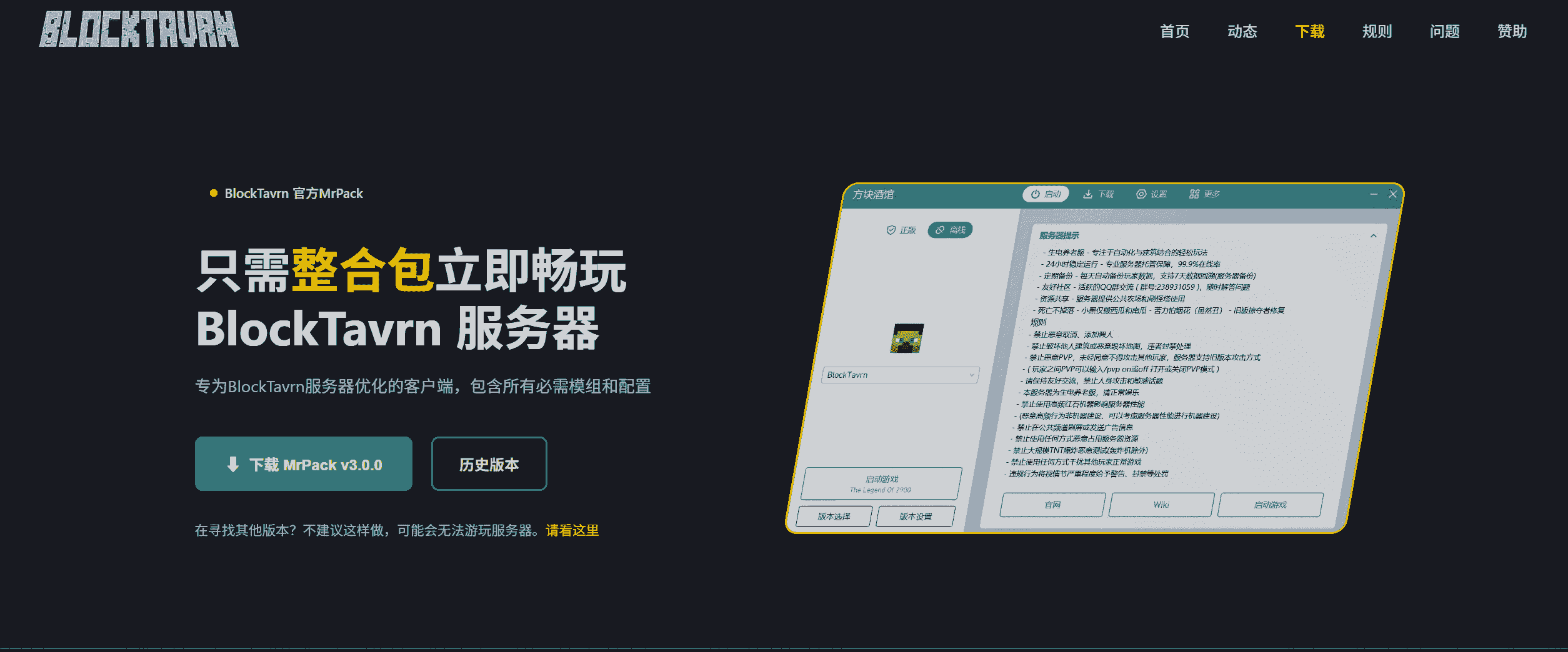
You will get an installation file, and then you can install it.
Getting Help
If you encounter problems during installation:
- Check FAQ
- Contact server administrators
- Post for help on community forums
- Join official QQ group or Discord
# Contributors
Loading...
# Changelog
Loading...
View full history
Loading...